> For the complete documentation index, see [llms.txt](https://docs.nected.ai/nected-docs/llms.txt). Markdown versions of documentation pages are available by appending `.md` to page URLs; this page is available as [Markdown](https://docs.nected.ai/nected-docs/development-lifecycle/git-based-source-control.md).
# Git-based Source Control
Git-based Source Control in Nected lets your teams manage Rules, Workflows, Integrations, Datasets, and Variables with the same development practices they already use in software engineering. By connecting your workspace to a GitHub repository, you gain full version history, multi-branch collaboration, structured reviews, and reliable deployment workflows across your automation projects.
Teams can contribute independently, track changes with precision, and maintain a clean audit trail—resulting in safer releases and higher-quality decision logic.
Empower every part of your organization:
1. **CTOs & Engineering Leaders:** Adopt a standardized workflow across engineering and automation teams. All rule updates and workflow changes become version-controlled, auditable, and aligned with Git governance.
2. **Developers:** Build and iterate on feature branches without interrupting others. Push changes from Nected, pull updates from GitHub, and use familiar Git tooling to manage your automation logic.
3. **Team Leads & Product Managers:** Validate logic updates quickly. Review changes in staging, give feedback earlier, and help teams iterate faster—all while maintaining control over what reaches production.
4. **Business Users:** Operate with confidence. Published versions are always validated, reviewed, and tied to a clean Git workflow, ensuring stable and predictable automation outcomes.
### **Collaborate safely on branches**
Branches allow your team to work in parallel, test ideas, and ship improvements without affecting production.\
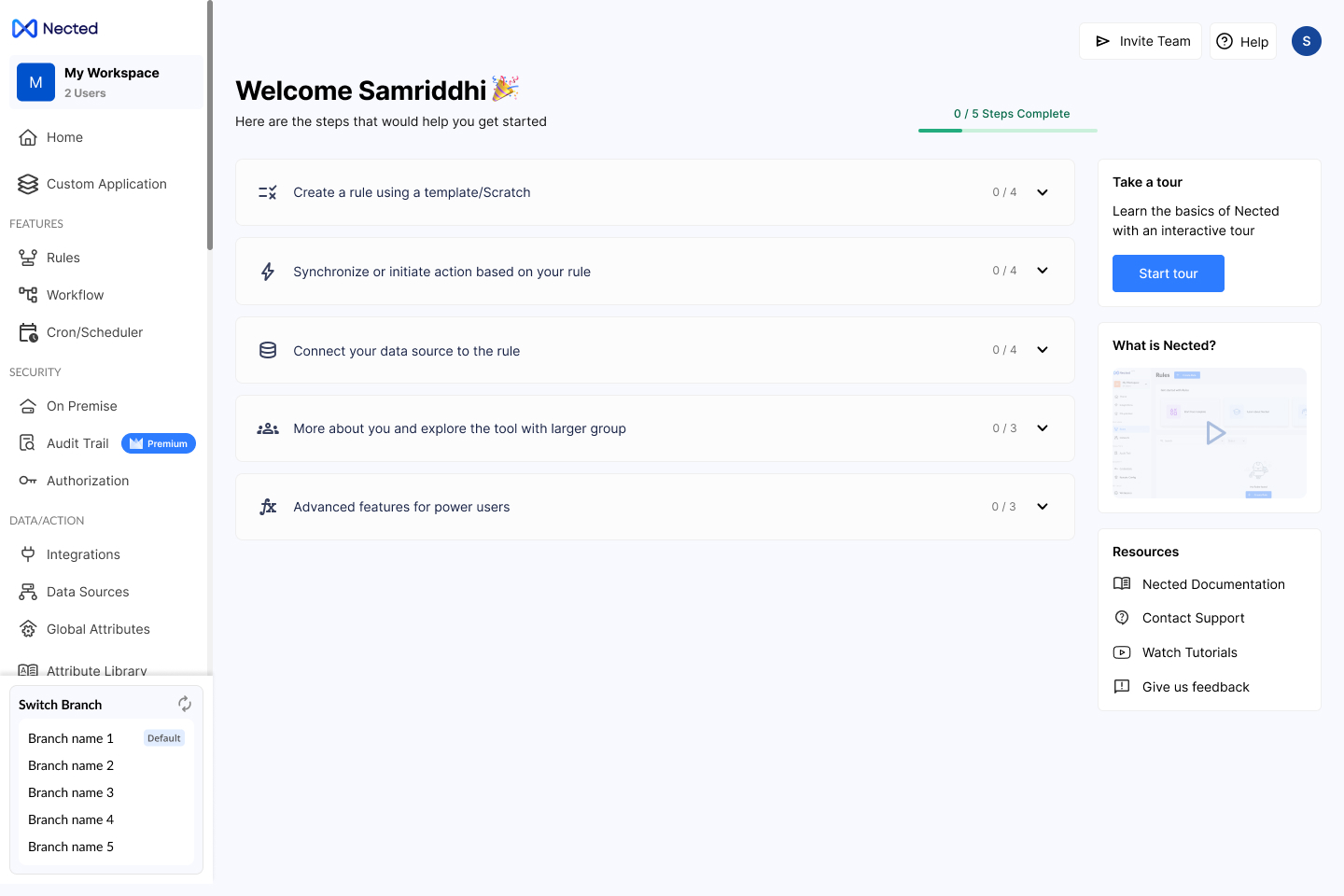
Nected syncs with your GitHub repository and exposes only the branches each user is permitted to access.
Users can:
* Switch to feature branches
* Build new rules or workflows in isolation
* Experiment without disrupting others
* Keep production clean while development continues
[**Learn** ](/nected-docs/development-lifecycle/git-based-source-control/branches.md)**how to use branches in Nected.**
### **Track and compare changes with complete visibility**
Nected presents a clear snapshot of everything changed since the last push or pull:
* Modified rules and workflows
* Added or updated datasets
* Integration configuration updates
* Variable additions
* Nested dependencies and sub-flows
The dependency tree helps teams understand impact instantly. Reviewing diffs through GitHub ensures accuracy, shared understanding, and traceability across teams.
[**Learn** ](/nected-docs/development-lifecycle/git-based-source-control/commit-and-push.md)**how to commit and review changes.**
### **Improve quality with GitHub reviews**
After pushing changes from Nected, teams can open pull requests in GitHub to:
* Request peer reviews
* Trigger automated checks (CI, testing, linting)
* Resolve conflicts before merging
* Ensure code-quality standards are enforced
With GitHub as the review engine and Nected as the authoring environment, teams get a reliable, developer-friendly workflow for automation logic.
[**Learn** ](/nected-docs/development-lifecycle/git-based-source-control/commit-and-push.md#handling-push-conflicts)**how to create PRs and manage reviews.**
### **Release with confidence**
Once changes are merged into the repository’s default branch and pulled back into Nected, teams can validate updates in staging and publish stable versions to production.
Nected’s versioning model—Draft → In Review → Published—guarantees that only approved logic becomes live.\
GitHub ensures the version history is consistent, governed, and always recoverable.
[**Learn**](/nected-docs/development-lifecycle/git-based-source-control/merge-and-deploy.md#merge-strategies) **how to merge and deploy changes.**